
The missing Gmail integration for Microsoft Dynamics
Use a native Gmail add-on to view Dynamics records, log emails, and keep threads tied to the right record, without relying on extension-based patchwork or a heavy rollout.
View the right Dynamics record from Gmail
Log emails and keep threads tied automatically
Roll out without a heavy project
Trusted by top companies










See the right Dynamics record without leaving Gmail
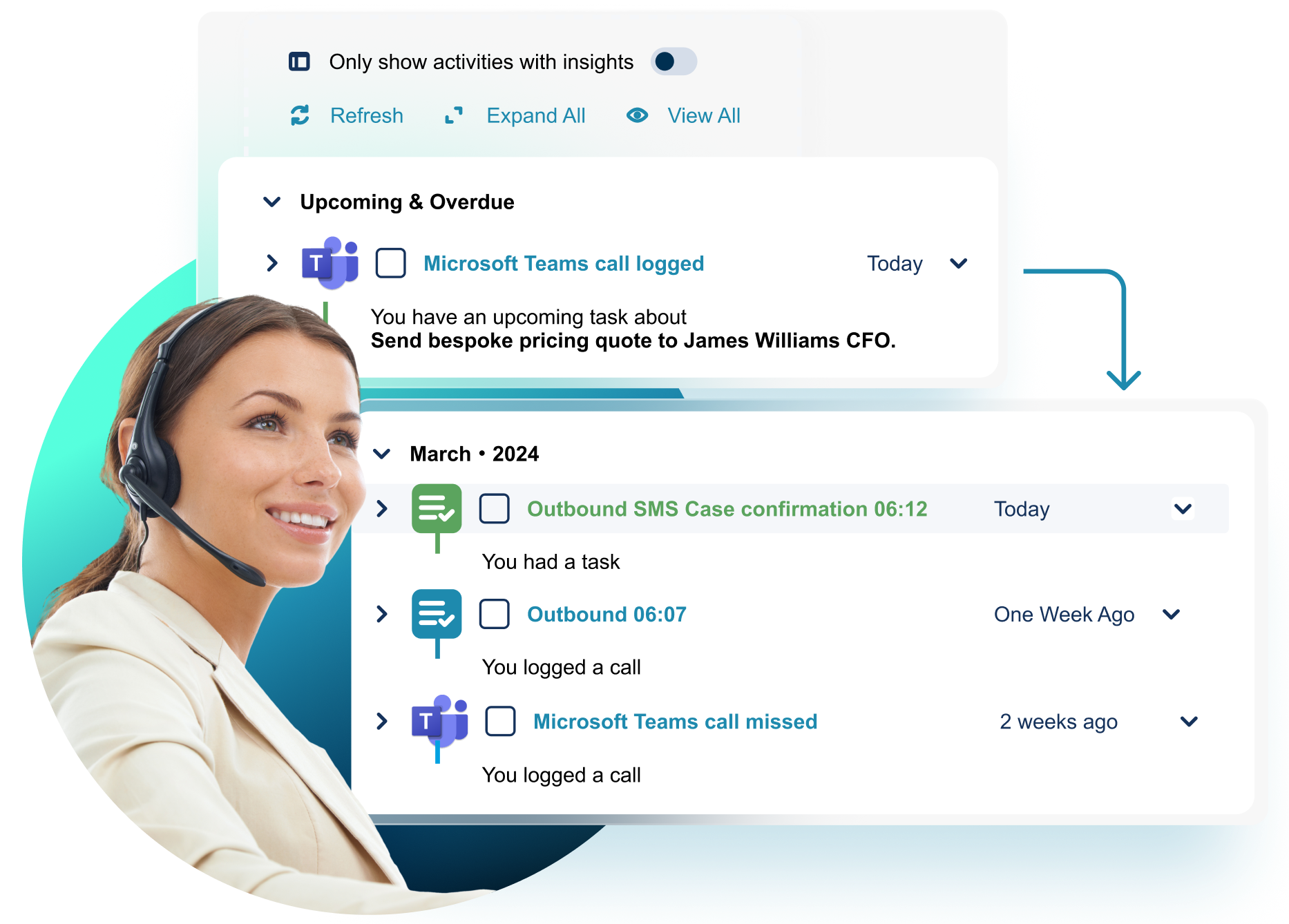
If your team works in Gmail, CRM context usually lives somewhere else. That means switching tabs, losing context mid-conversation, and slowing down work just to find the right record.
Unaric Sidebar brings the relevant Dynamics record into the inbox so users can stay in Gmail while working with the customer context they need.
%20copy.avif)
%20copy%202.avif)
Log emails to the right Dynamics record as you work
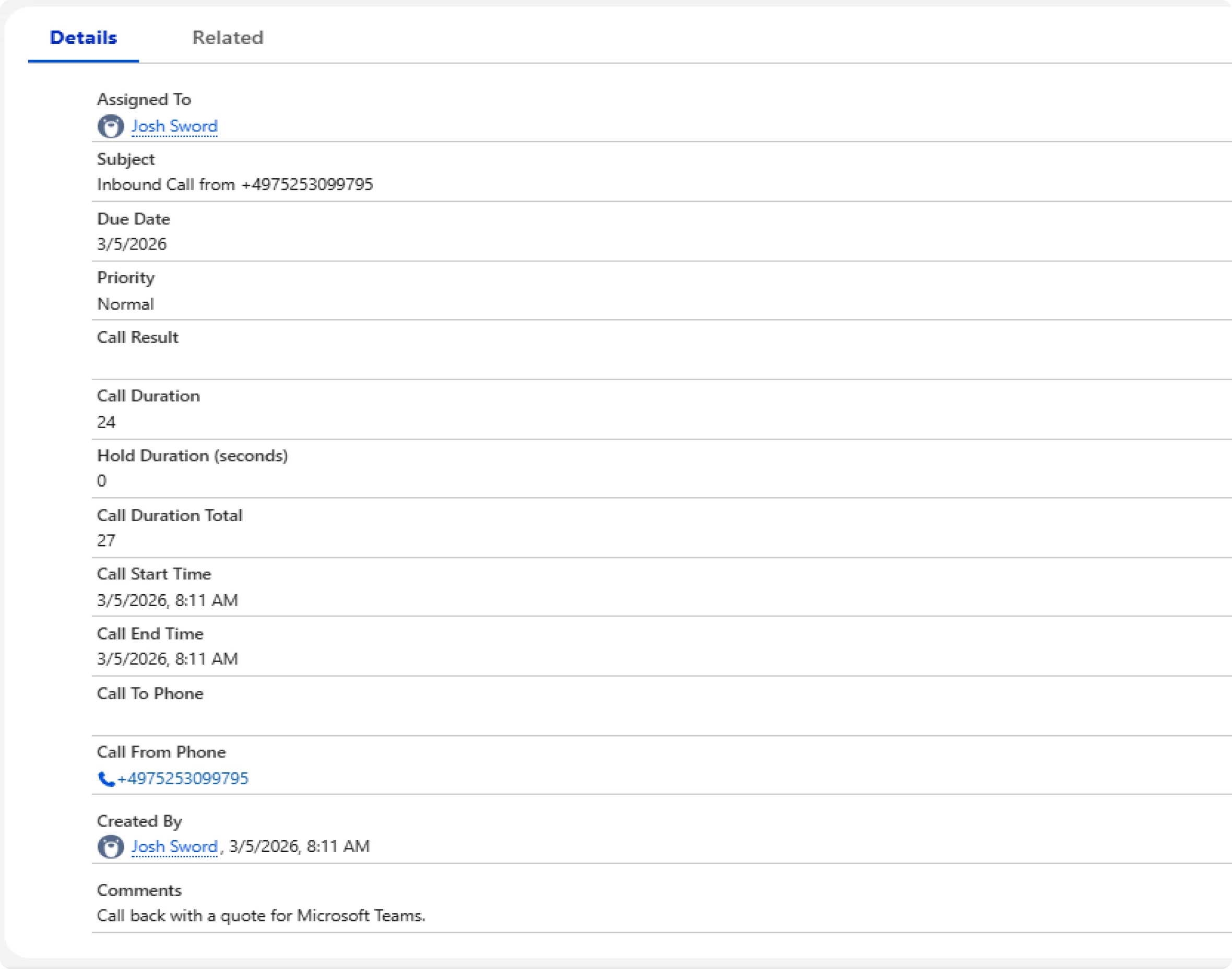
When Gmail and Dynamics are disconnected, email activity gets logged inconsistently or too late.
Log emails directly from the inbox to the right Dynamics record, so activity stays accurate without manual cleanup later.
Keep entire email threads tied to CRM automatically
Logging one email is easy. Keeping the full conversation tied to the right record over time is where most workflows break.
Once a thread is linked, future replies stay connected automatically, keeping your CRM clean without extra effort.
Use the same workflow on desktop and mobile
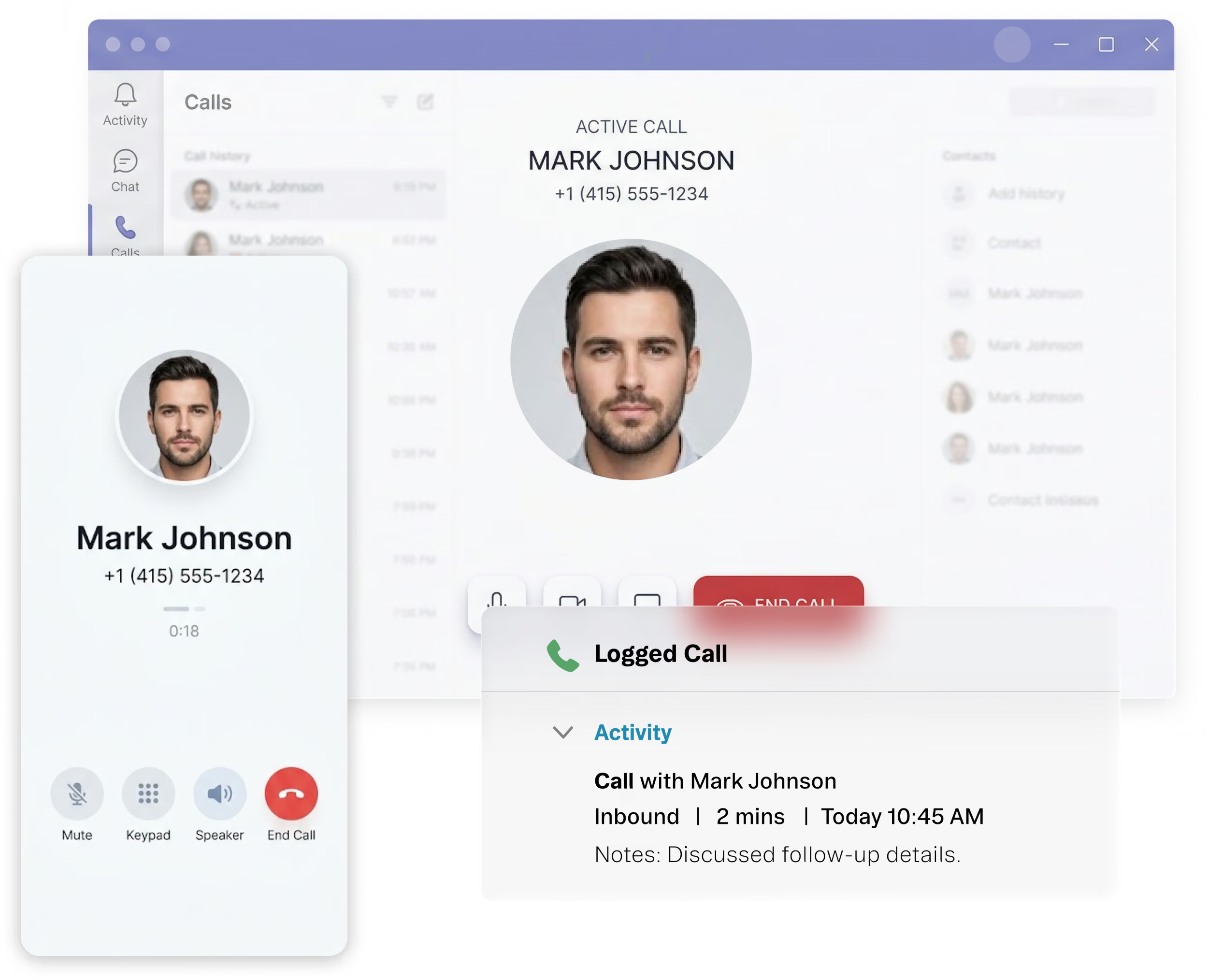
If your team works in Gmail across desktop and mobile, the workflow needs to hold up in both places. Because this is a native Gmail add-on, users can stay in Gmail across devices while staying connected to Dynamics.
WHY THIS WORKS WHEN OTHER APPROACHES DON’T
Built for Gmail, not bolted on around it
Unaric Sidebar is a native Gmail add-on, so the workflow lives inside Gmail instead of relying on extension-based patchwork.
Works with the Dynamics records and fields your team already uses
Users can link email activity to the Dynamics records, objects, and fields your team already works with.
Evaluate fit without a heavy rollout
Standard deployments are lightweight, so teams can assess fit without turning this into a major implementation project.
Native vs a third-party calling platform
Common approach today
With Unaric Sidebar
Where calling is managed
No strong native Gmail option for Dynamics
Work with Dynamics inside Gmail
What IT has to run
Extension-based workaround or patchwork
Native Gmail add-on
Salesforce logging
Workflow breaks across desktop and mobile
Works across Gmail desktop and mobile
Where call media lives
Heavier rollout than expected
Works across Gmail desktop and mobile
FAQs
See Unaric Sidebar in action
One of our email connector experts will happily show you around the platform. Your demo will include:
What to expect:
An overview of the core features and overall benefits.
A deeper dive into your requirements, and how Unaric Sidebar can help.
A follow up email with details and documentation to help you make an informed decision.